

August 25, 2026

A New Home for Region 4 Professional Learning
On August 31, 2026, Region 4 professional learning will move to escDevelopWorks™.
The updated platform is designed to make everyday professional learning tasks easier, from finding the right session to accessing your records when you need them.
This post brings together the key details to know before launch, with a closer look at what is changing and what you can expect when signing in.
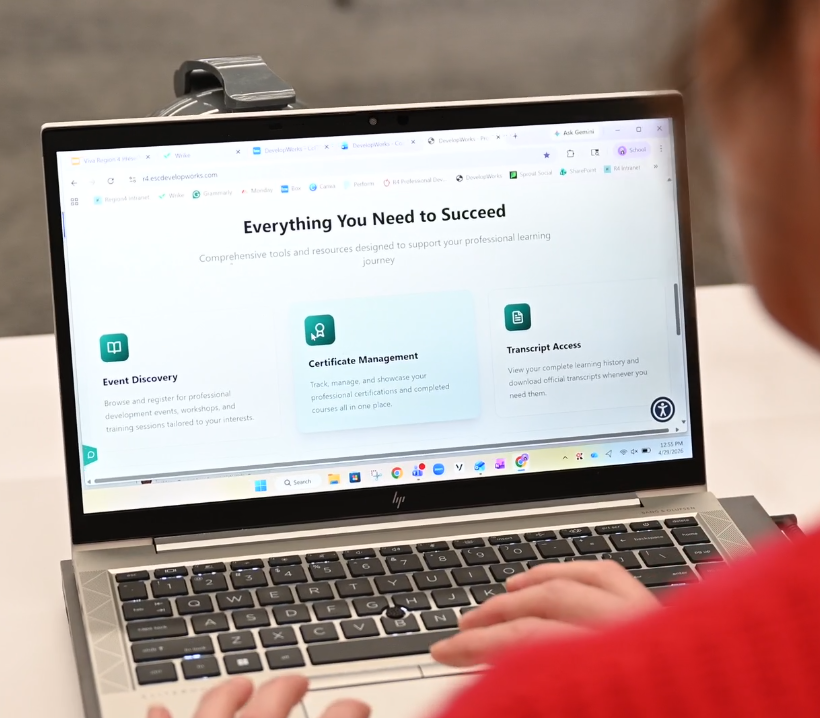
Built for How You Learn Today
Professional learning continues to evolve, and the tools that support it need to keep pace.
Educators and staff are balancing full schedules, changing needs, and important goals for their campuses and students. Finding the right learning opportunity and keeping up with professional learning records should feel simple and manageable.
That is why Region 4 professional learning is moving to escDevelopWorks™.
The new digital home is built to help you spend less time navigating the system and more time focused on the learning that supports their work, their campuses, and student outcomes.
What You Can Expect in escDevelopWorks™
escDevelopWorks™ includes updated tools and features designed to make professional learning easier to access and manage.
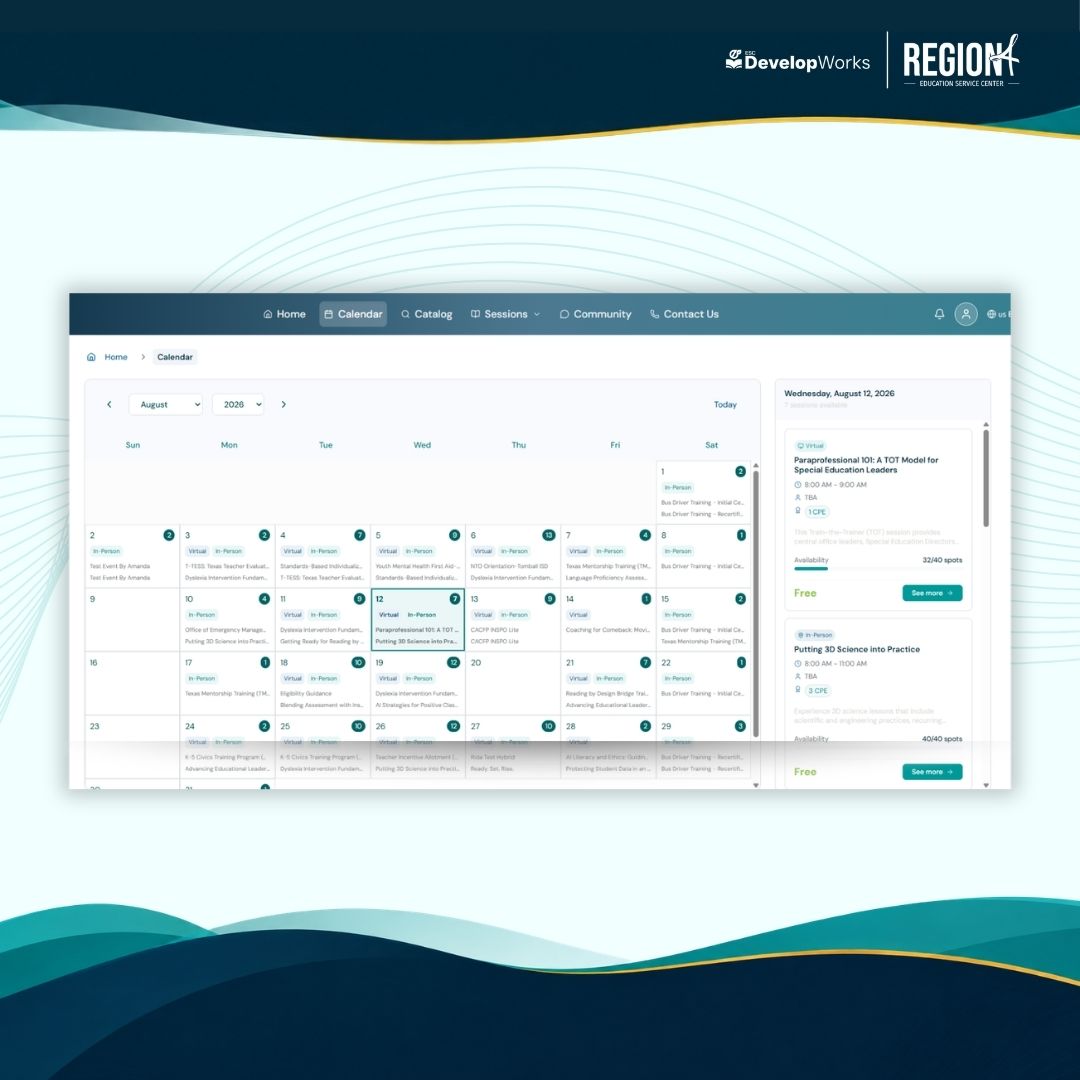
- Modern Design: The platform has a cleaner, more intuitive layout that makes it easier to find what you need and move through common tasks.
- Simplified Registration: You can move from search to registration in fewer steps, making it easier to sign up for learning opportunities.
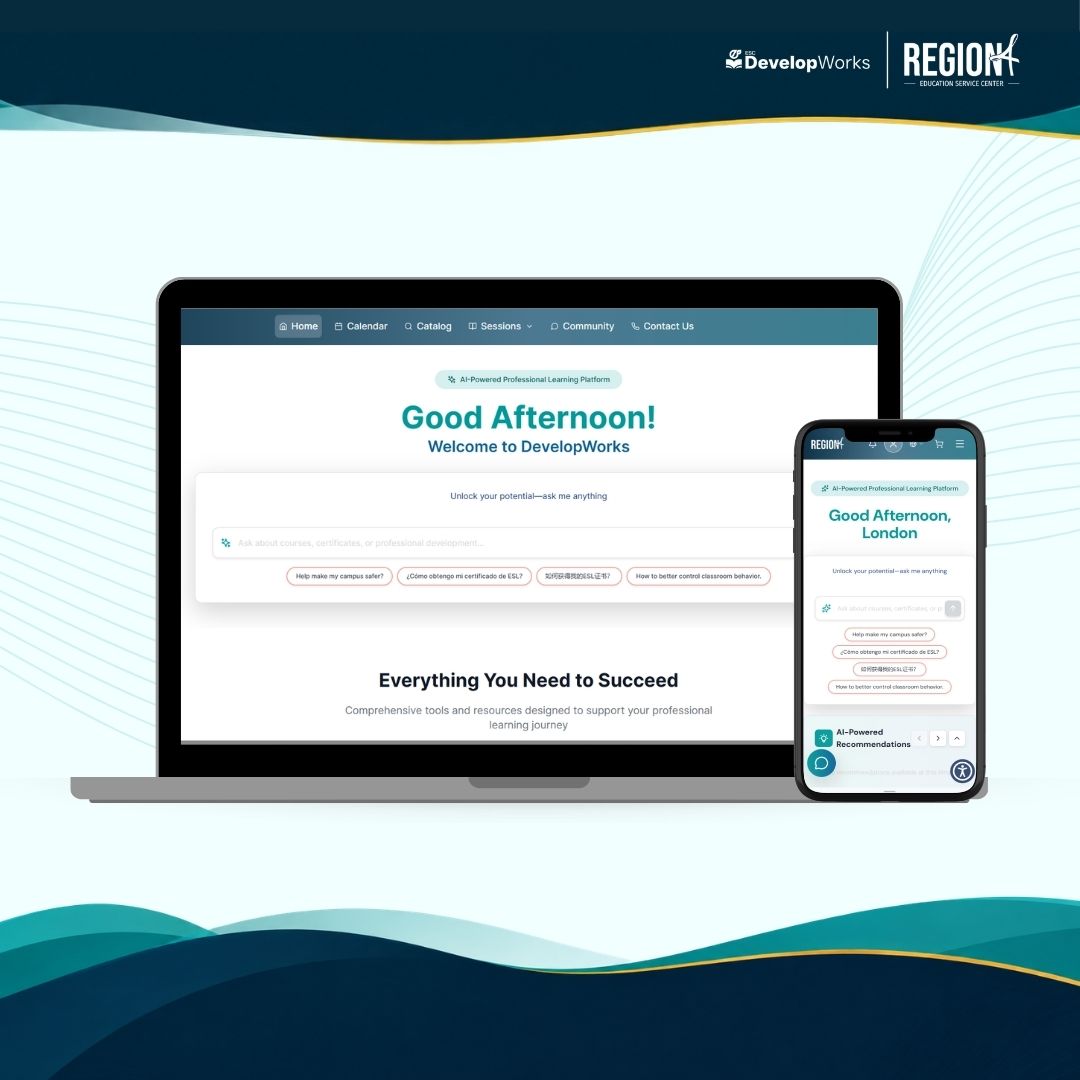
- AI-Powered Recommendations: escDevelopWorks™ can help connect you with learning opportunities that may fit their needs and interests based on previous activity.
- Responsive Chatbot Support: A responsive chatbot will be available to provide quick answers, helpful guidance, and registration support.
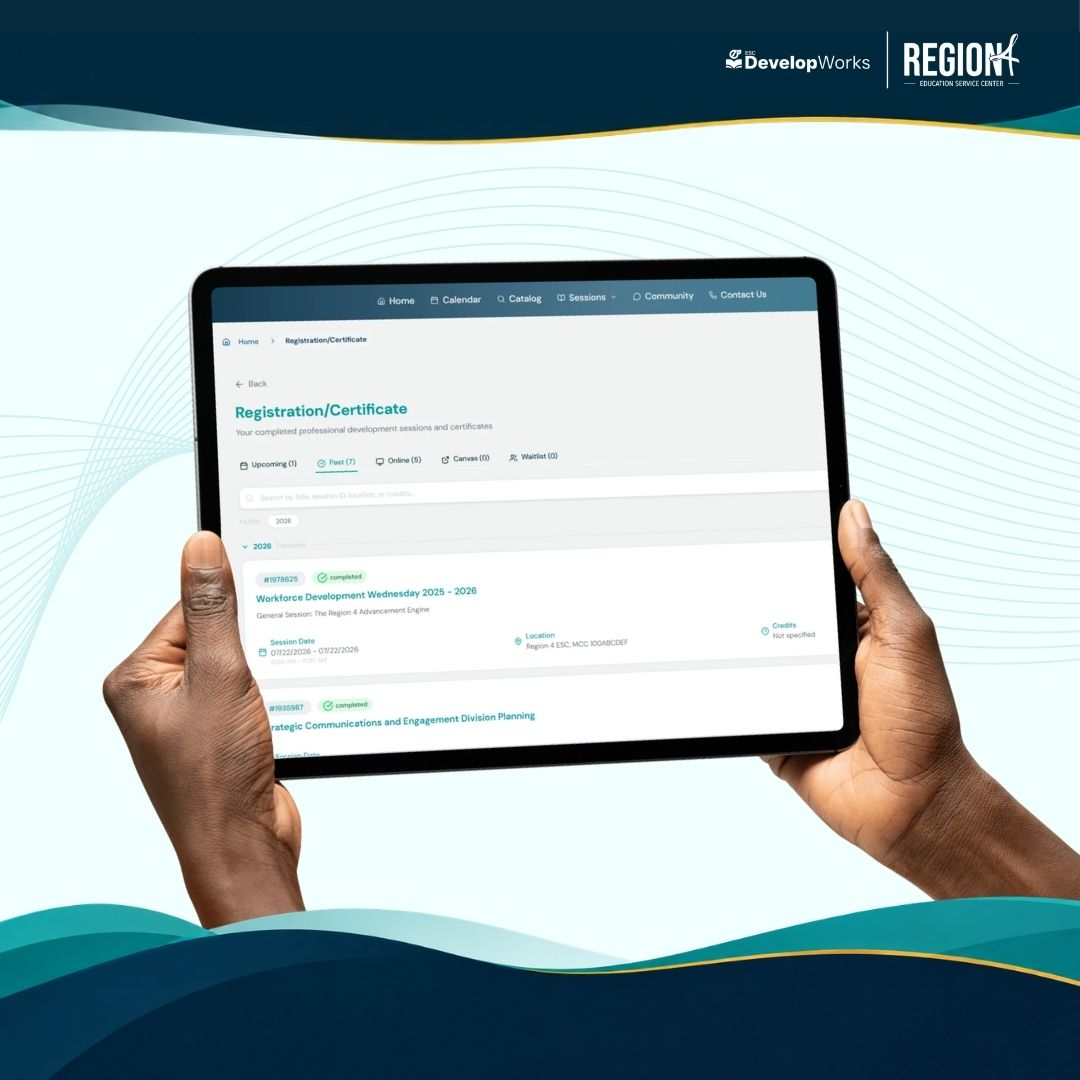
Organized Records: You will have a streamlined way to access registrations, certificates, CPE records, and professional learning history.
Let’s Take a First Look at escDevelopWorks™
When you access the platform, you will see a refreshed homepage designed to help you get started quickly.

Important Account Information
All users must create a new escDevelopWorks™ account before signing in.
Previously registered for Region 4 professional learning?
Create your account using the same email address you used before. This allows Region 4 to connect your new account with your existing registrations, certificates, CPE records, and professional learning history.
You will also create a new password with at least 14 characters to meet updated security requirements.
New to Region 4 professional learning?
Create a new account beginning August 31 to get started.
Resources Are Available to Help You Get Familiar
The Region 4 escDevelopWorks™ landing page is the main place to find launch information, account setup guidance, and support resources.
On the landing page, you can access:
- video tutorials that walk through key tasks in escDevelopWorks™
- step-by-step guidance for using the updated platform
- FAQs about the launch, account setup, registration, certificates, CPE records, and learning history
- login instructions to help users create a new account beginning August 31
- support information for questions during the transition
These resources are designed to help you understand what to expect and know where to go for support.
escDevelopWorks™ Is Almost Here!
The countdown has begun. escDevelopWorks™ launches August 31, 2026, bringing Region 4 professional learning into a new digital home.
Soon, you will be able to search for learning opportunities, register with fewer steps, access learning records, and explore tools designed to make professional learning easier to manage.
Before launch day, visit the escDevelopWorks™ landing page to review helpful resources and get familiar with the updated platform.